
The Users page in the administration panel allows Scalefield administrators to view and manage all users registered within the instance.
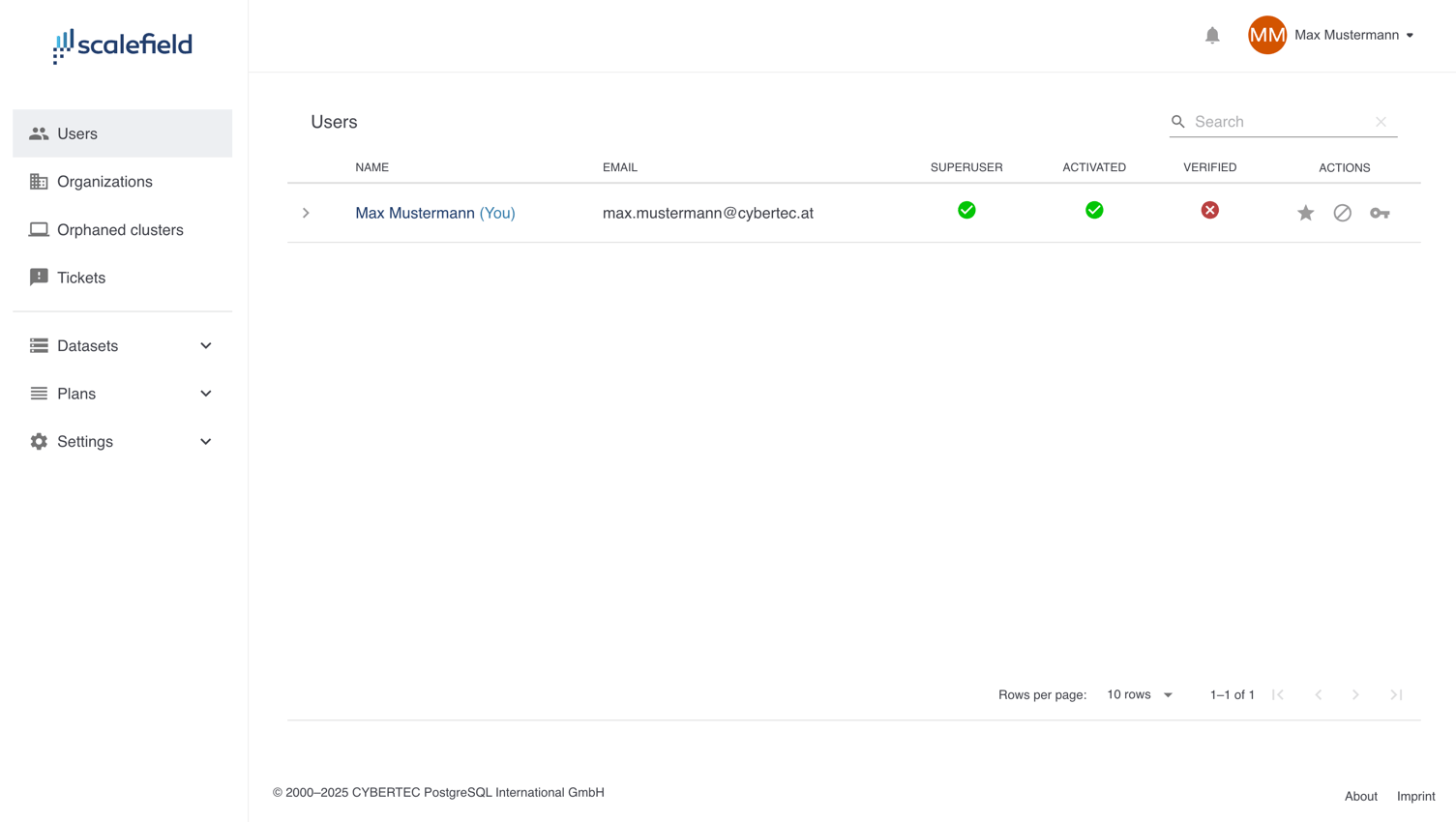
Each row displays the following user attributes:
- Name
- Email address
- Superuser — indicates whether the user has administrative privileges
- Activated — inactive users cannot log in
- Verified — whether the user has confirmed their email address
The Actions column provides administrative controls for each user:
- Grant or revoke superuser privileges
- Activate or deactivate the account
- Restore password — initiates the password reset process, sending the user an email with a reset link