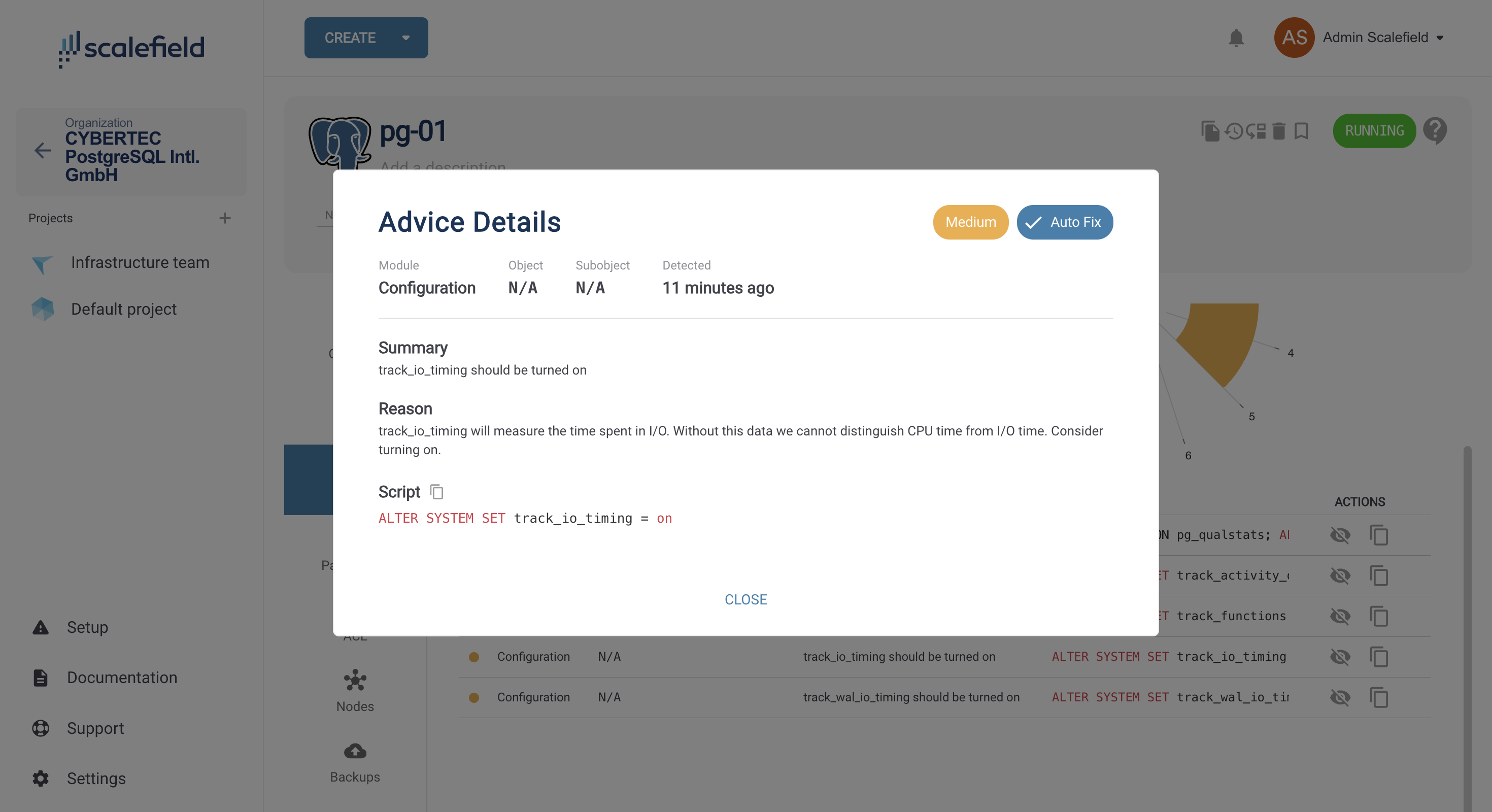
You can run a database health check for PostgreSQL or PGEE services at any time. To access this feature, navigate to the service page and open the Advice tab.
This tab shows the current health of your database and provides recommendations to help improve it.
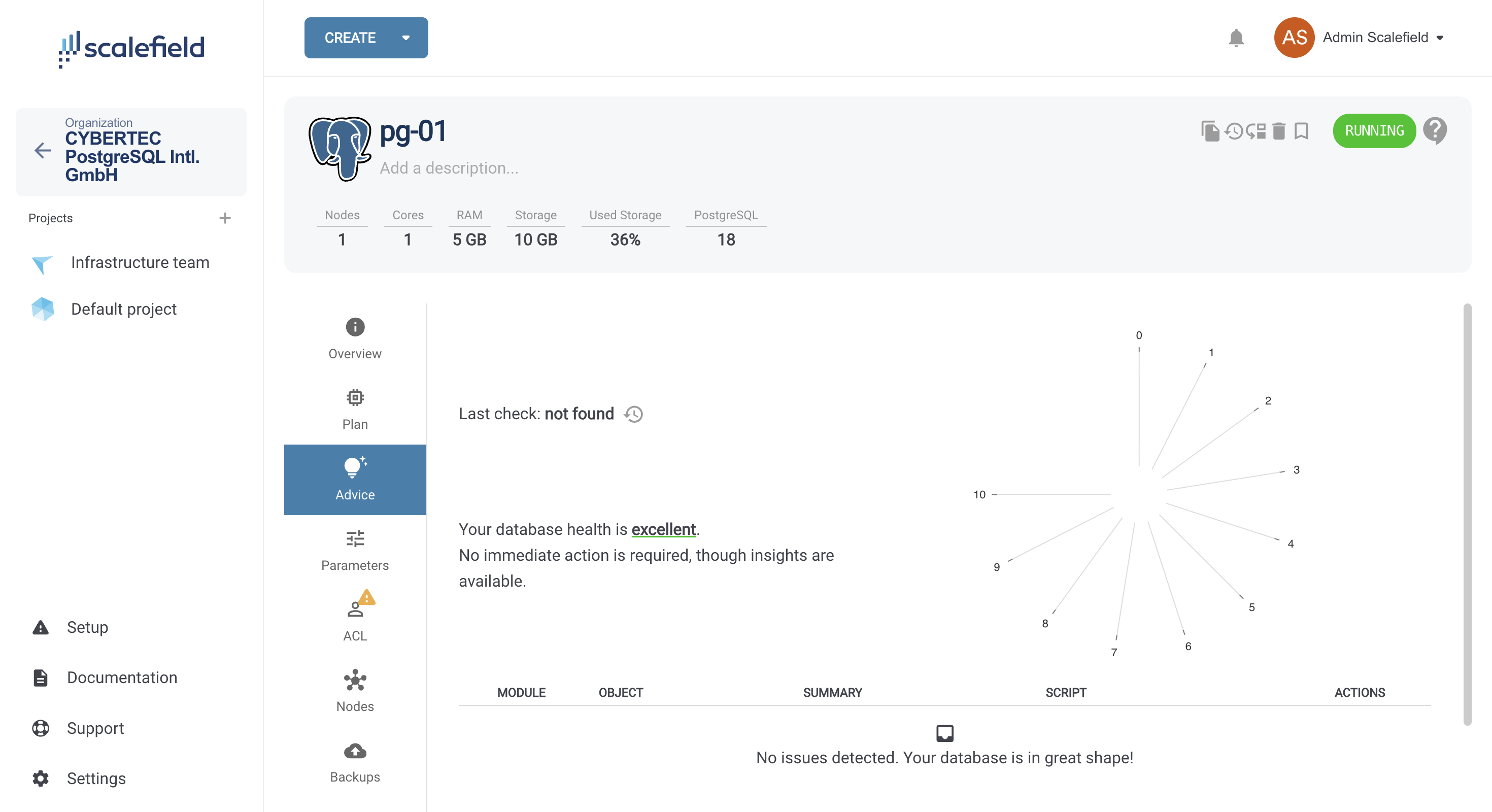
To run a new check, click the Rerun check icon next to Last check:. A confirmation dialog will appear for you to confirm the action. You can rerun the check at any time to get the latest insights.
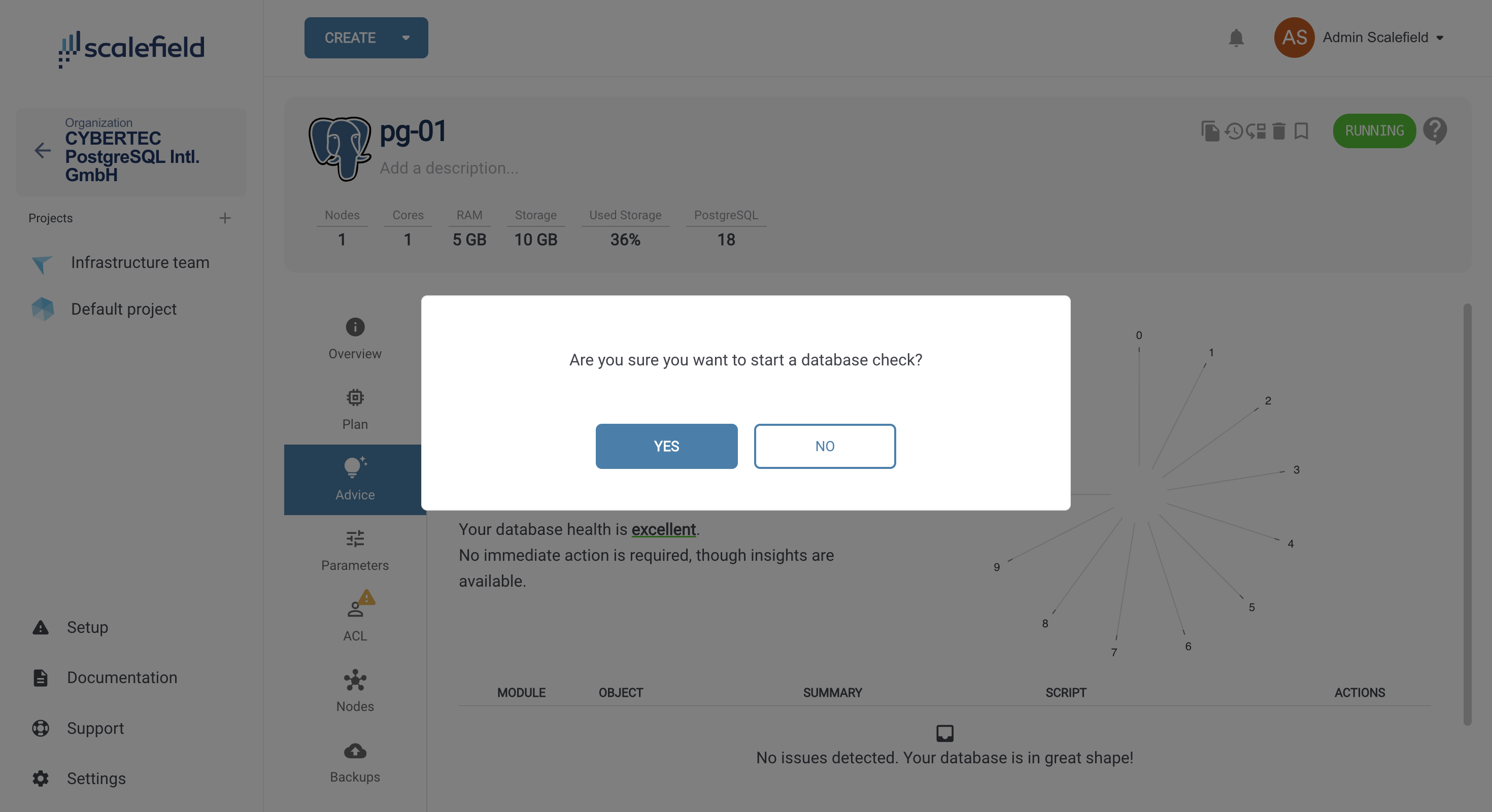
Once the check completes successfully, all detected insights and recommendations will be displayed. From the Actions section, you can dismiss a recommendation if you believe it is not relevant, or copy the suggested script to apply the fix.
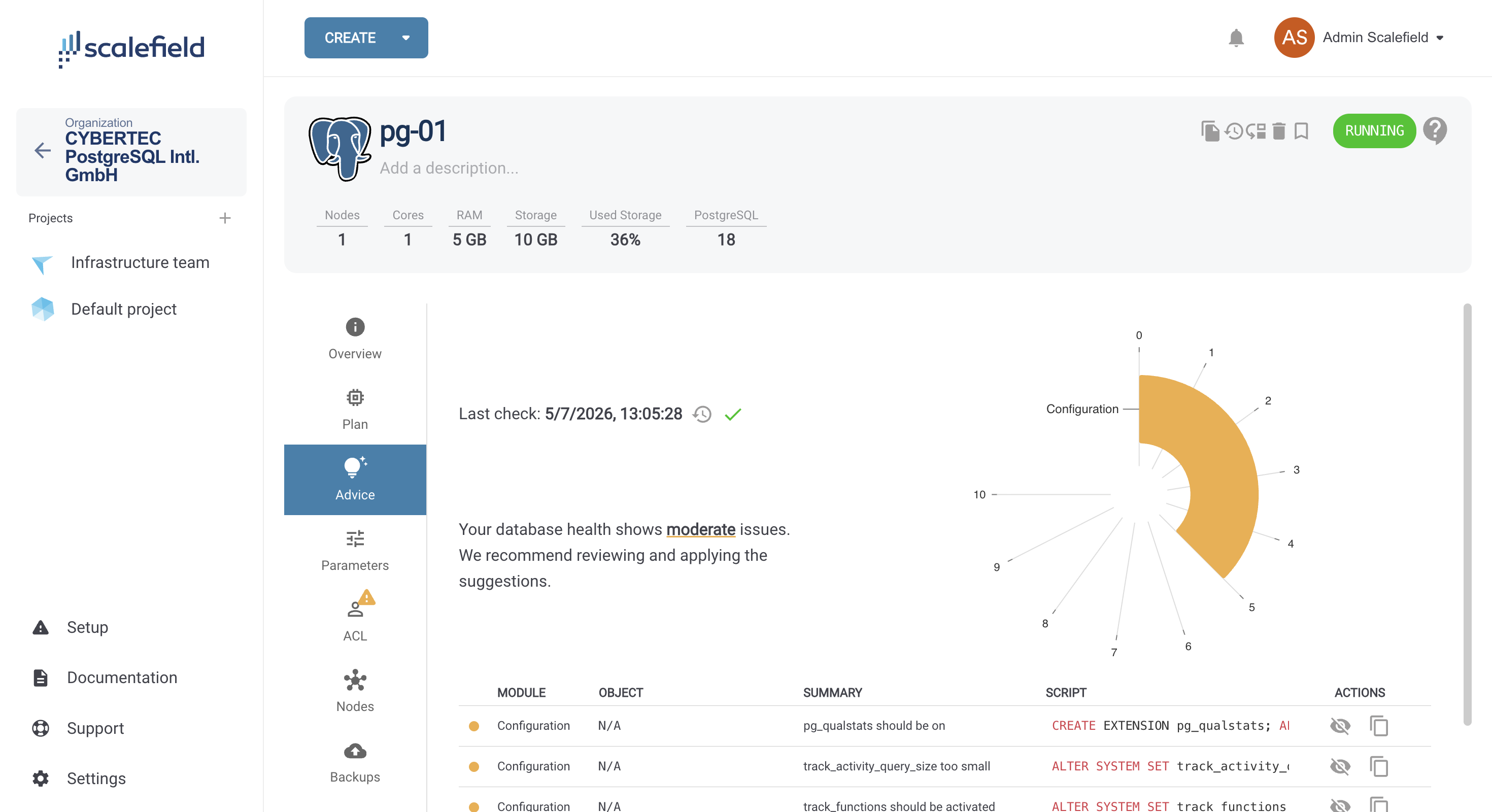
Clicking an advice row opens a details view where you can explore the summary and the reasoning behind the recommendation.