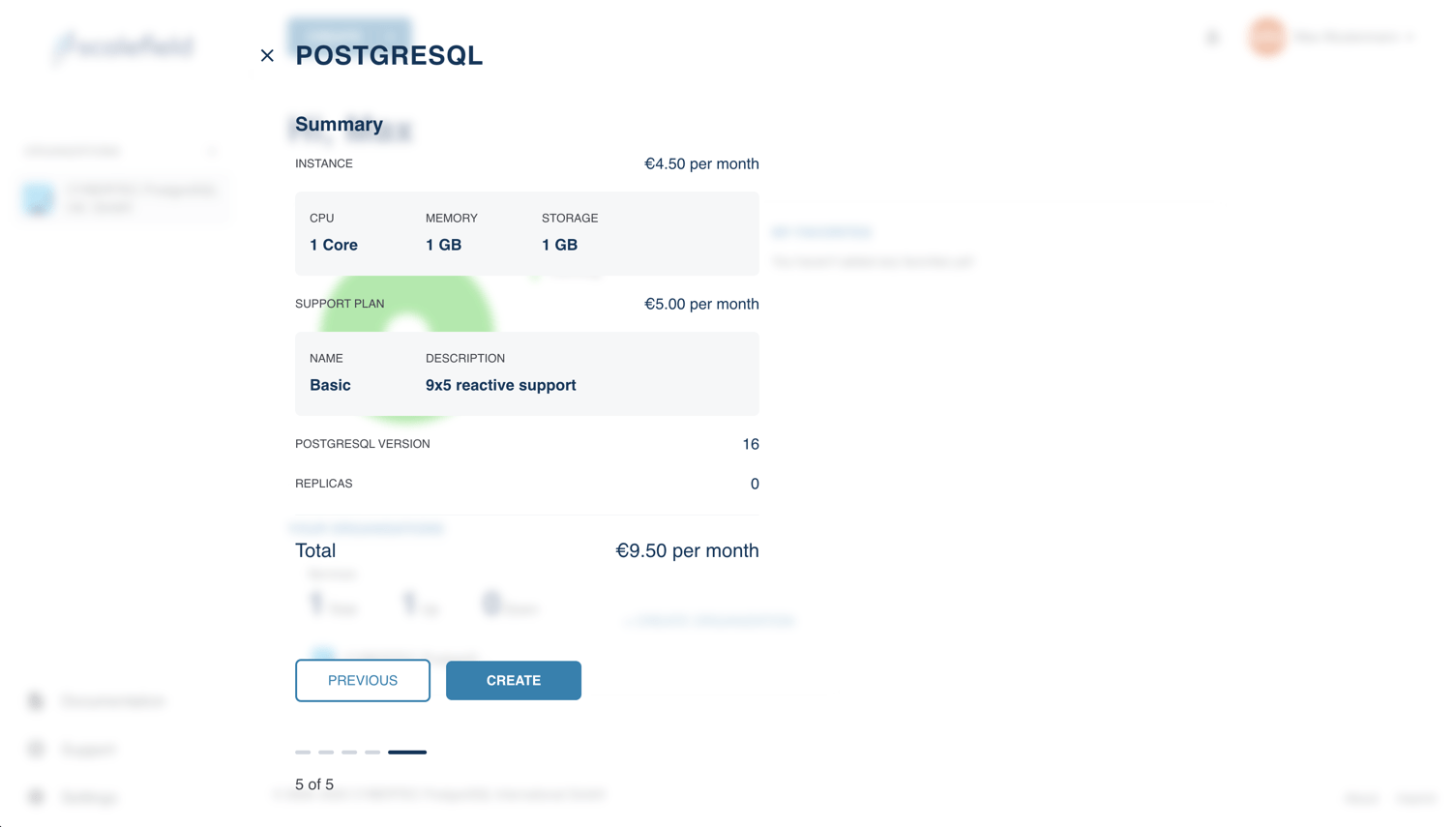
To begin creating a new service, open the Create menu located in the top-left corner of the interface, then select Service from the dropdown list.
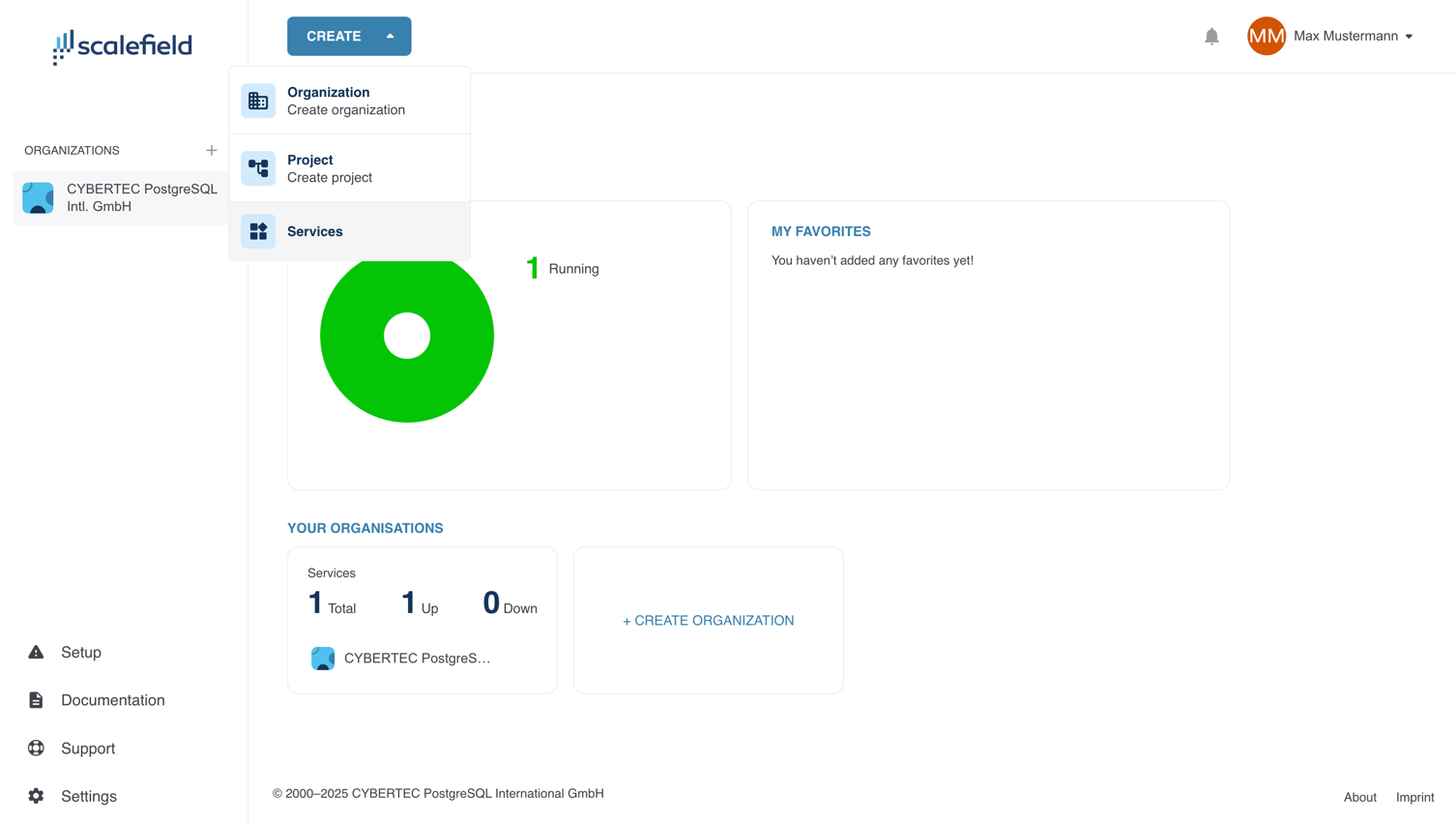
Next, select a service type. The available options currently include:
- PostgreSQL – optionally initialized from an existing backup
- PGEE
- CYBERTEC Migrator
- CYPEX
- Babelfish
Each service type provides different capabilities depending on your use case.
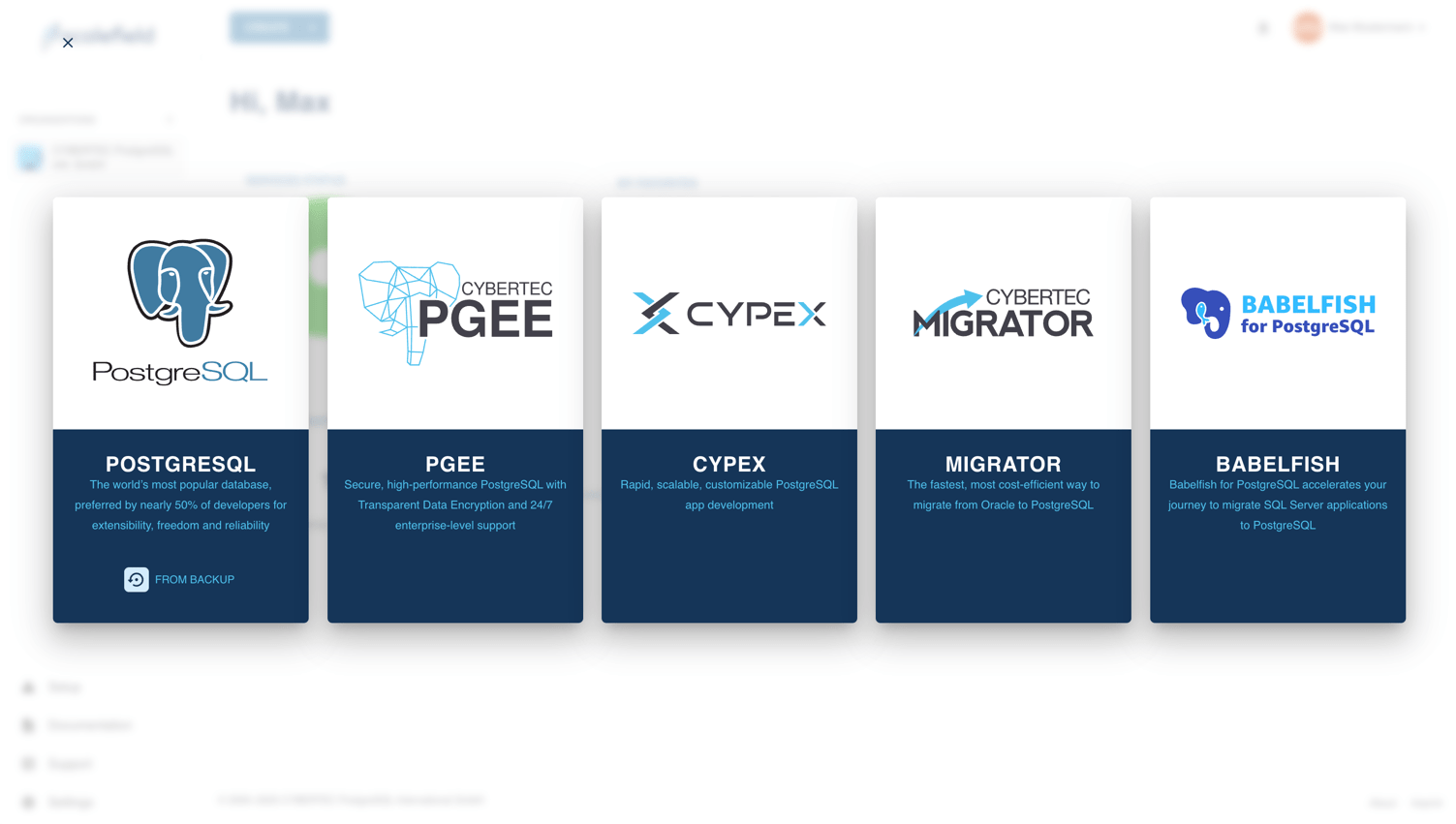
Begin by selecting a project in which the new service will reside in. If you launched the wizard from within a project, this field will be pre-filled automatically.
You must also specify a name and an optional description for the service. These values are not final and can be modified later.
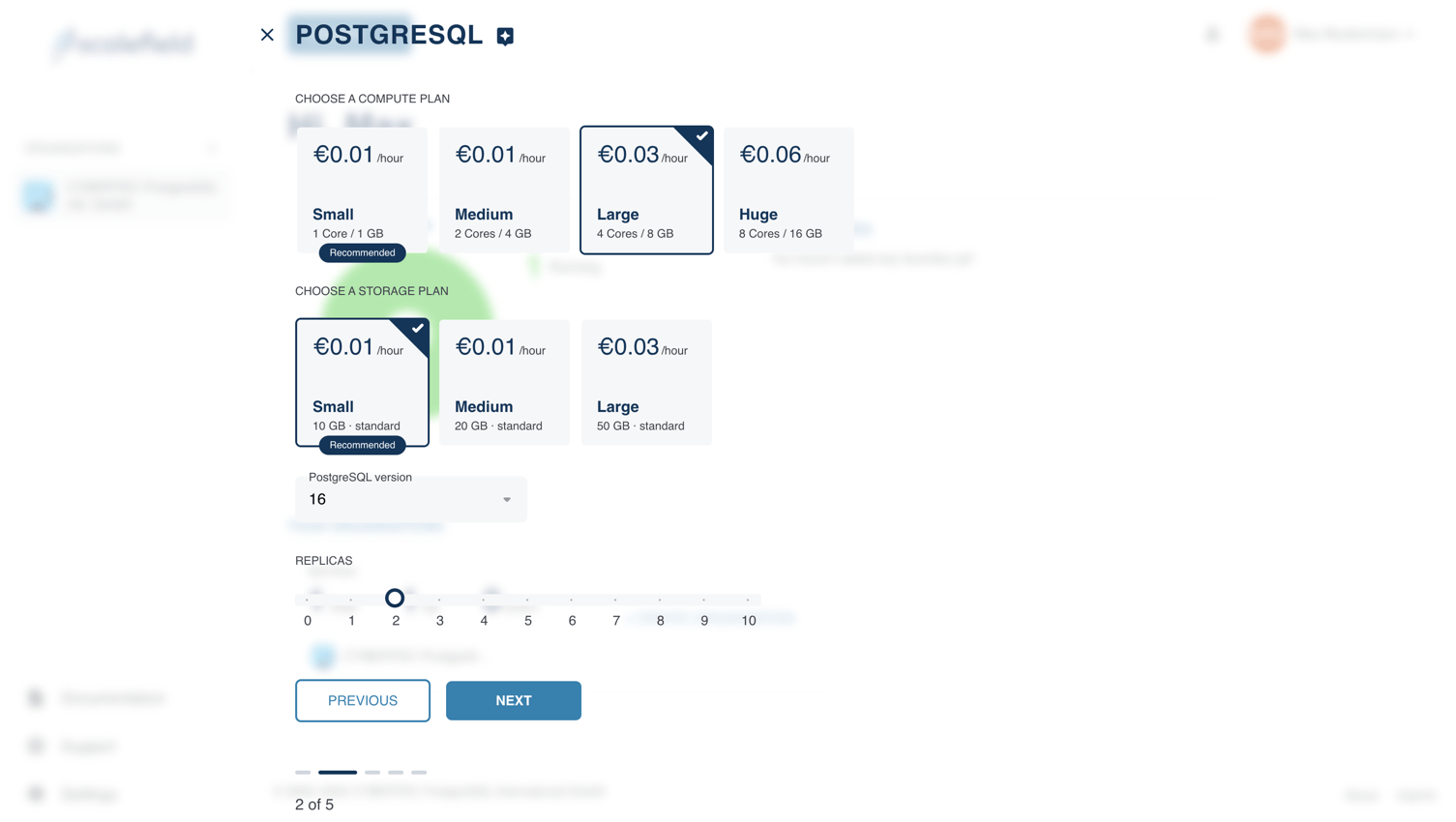
In the next step, you’ll configure the service’s resources, select the PostgreSQL version, and define the number of replicas.
By default, resource allocation is based on predefined T-shirt sizes (e.g., Small, Medium, Large). To specify exact resource values, click the star icon at the top of the page to switch to advanced mode.
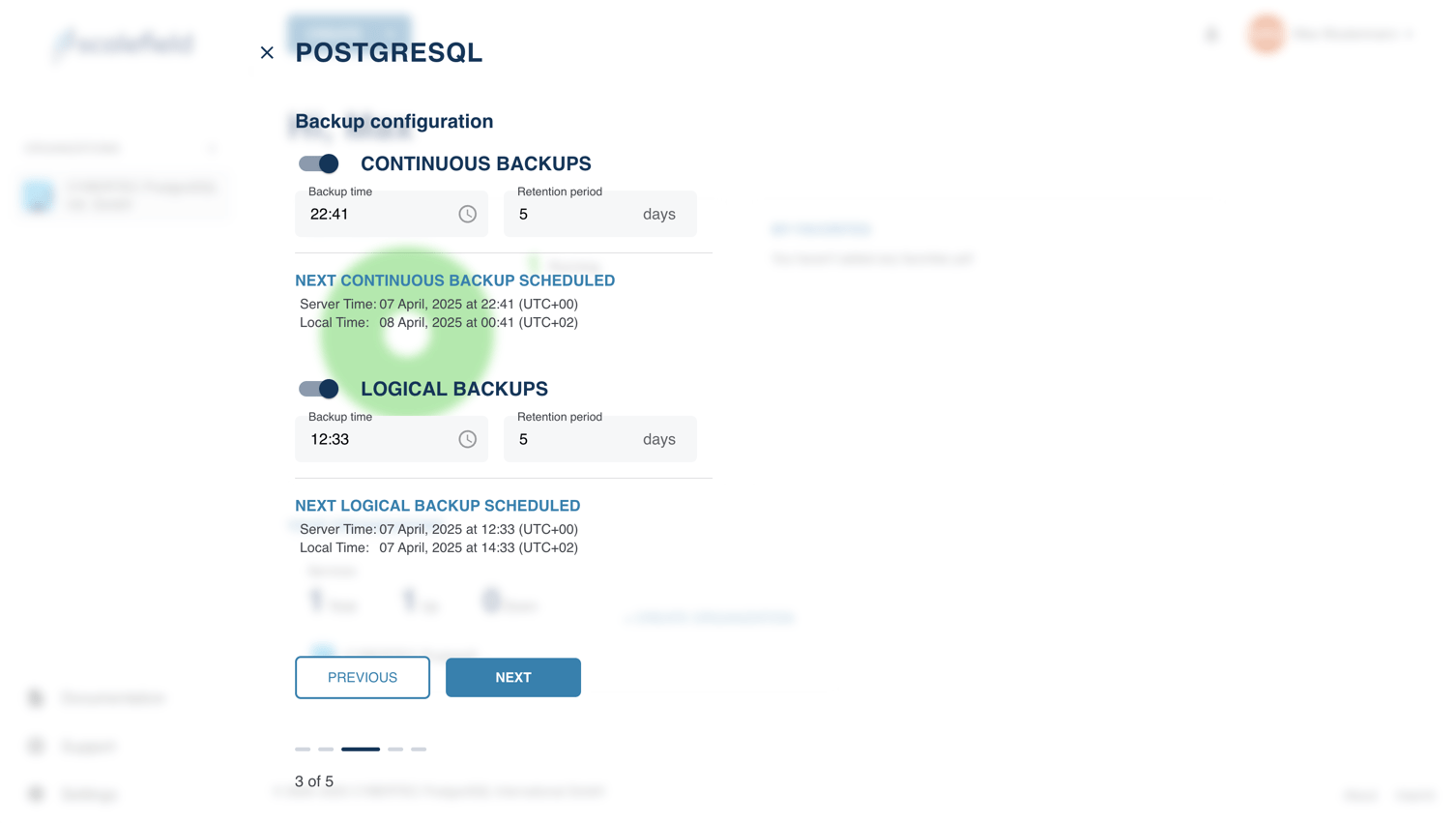
Next, configure the backup settings for your service. This step allows you to define how and when backups are created.
As with other configuration options in the wizard, these settings can be adjusted at any time after the service has been created.
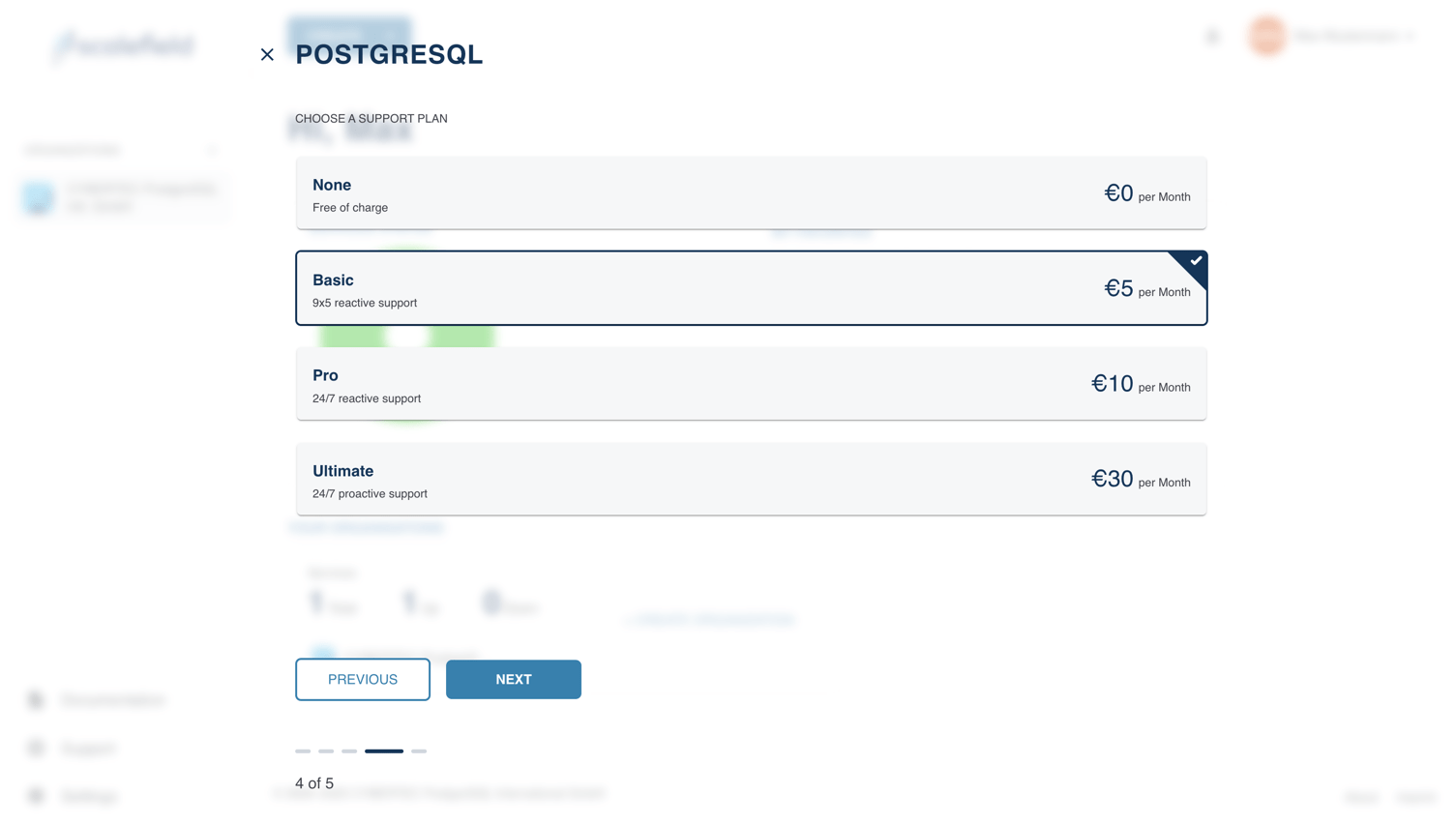
Lastly, select a support plan for your service. Support levels determine the scope and responsiveness of assistance provided by our team.
You can choose the plan that best fits your operational needs. This setting can also be changed later if your requirements evolve.
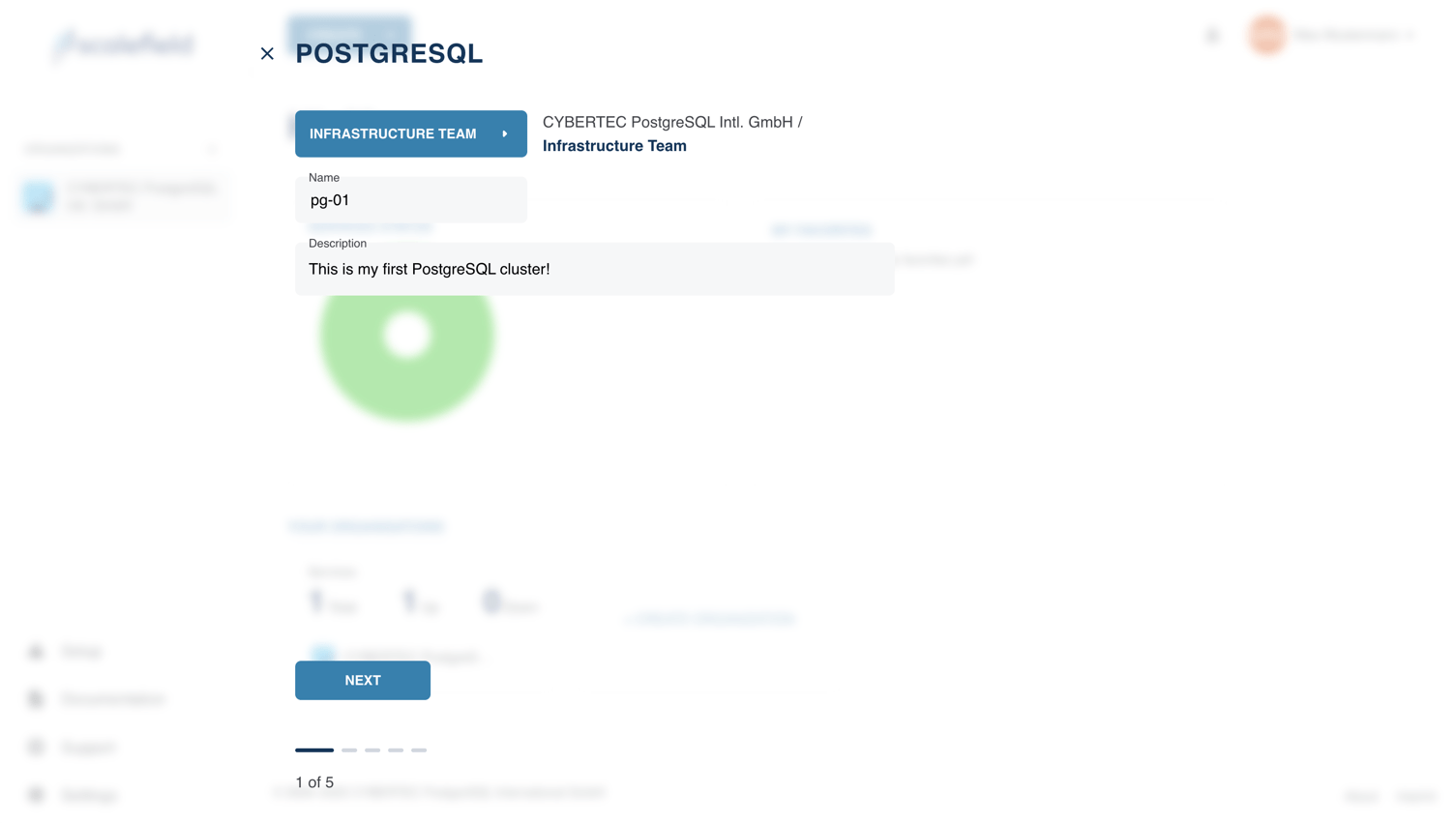
The final step of the wizard presents a summary of your selections before proceeding with service creation. Once you confirm your choices, Scalefield will begin the service creation process and redirect you to the service’s page.