
Most services allow you to modify PostgreSQL parameters specific to their cluster configuration. To access these settings, navigate to the service page and open the Parameters tab.
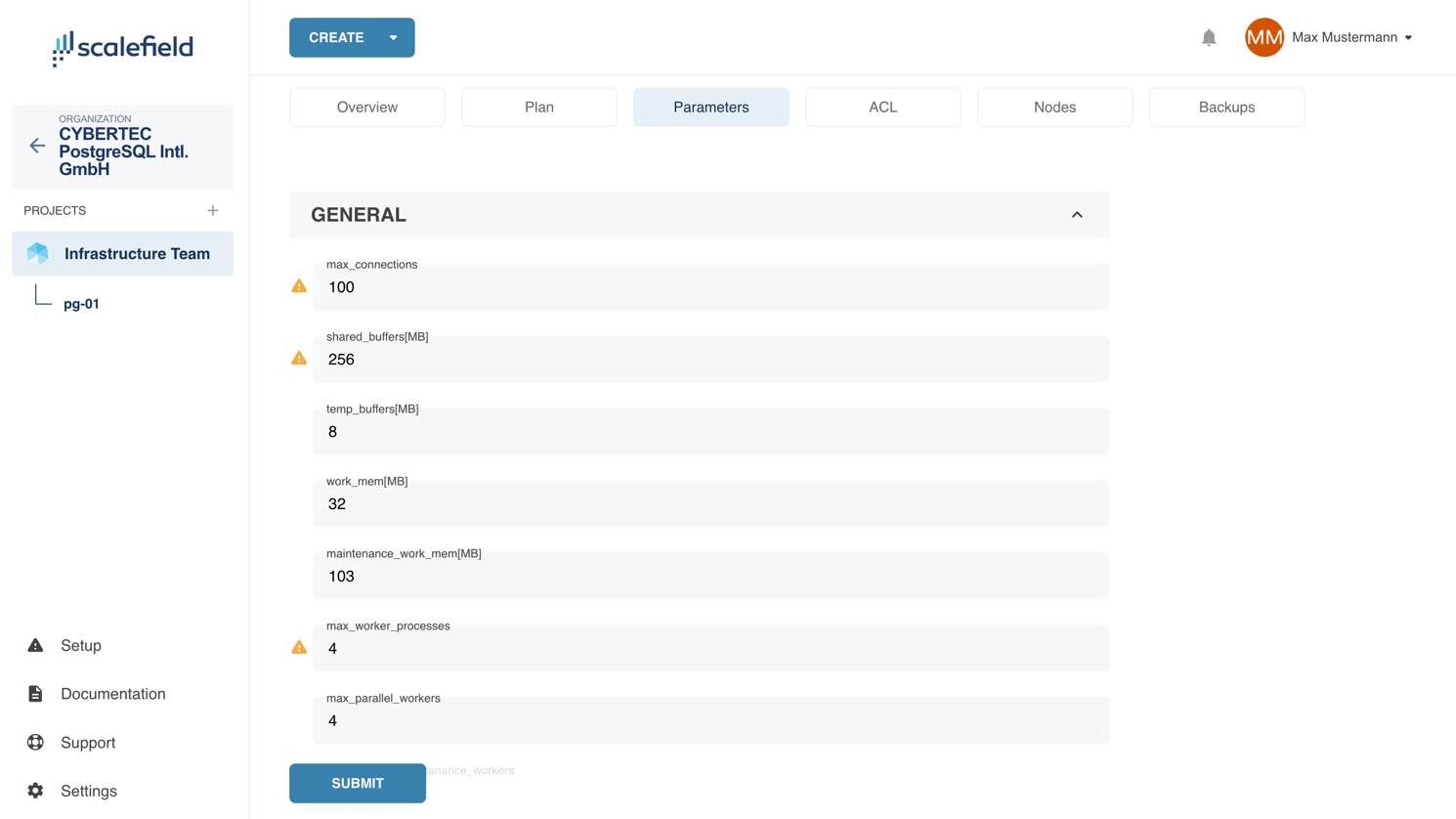
Parameters are organized into the following categories:
- General
- Optimizer Settings
- Logfiles
- Statistics Collection
- Autovacuum
- Miscellaneous
Some parameters have defined minimum and/or maximum values based on the cluster’s allocated resources to ensure safe and stable operation.
ImportantParameters that require a database restart are adorned with a yellow triangle icon.
After making your changes, click Submit to apply them. This action will cause the cluster to enter the Updating state. While in this state, further parameter changes cannot be made.