
You can view and manage individual nodes of your Patroni cluster, including inspecting logs or restarting specific nodes. To access these settings, navigate to the service page and open the Nodes tab.
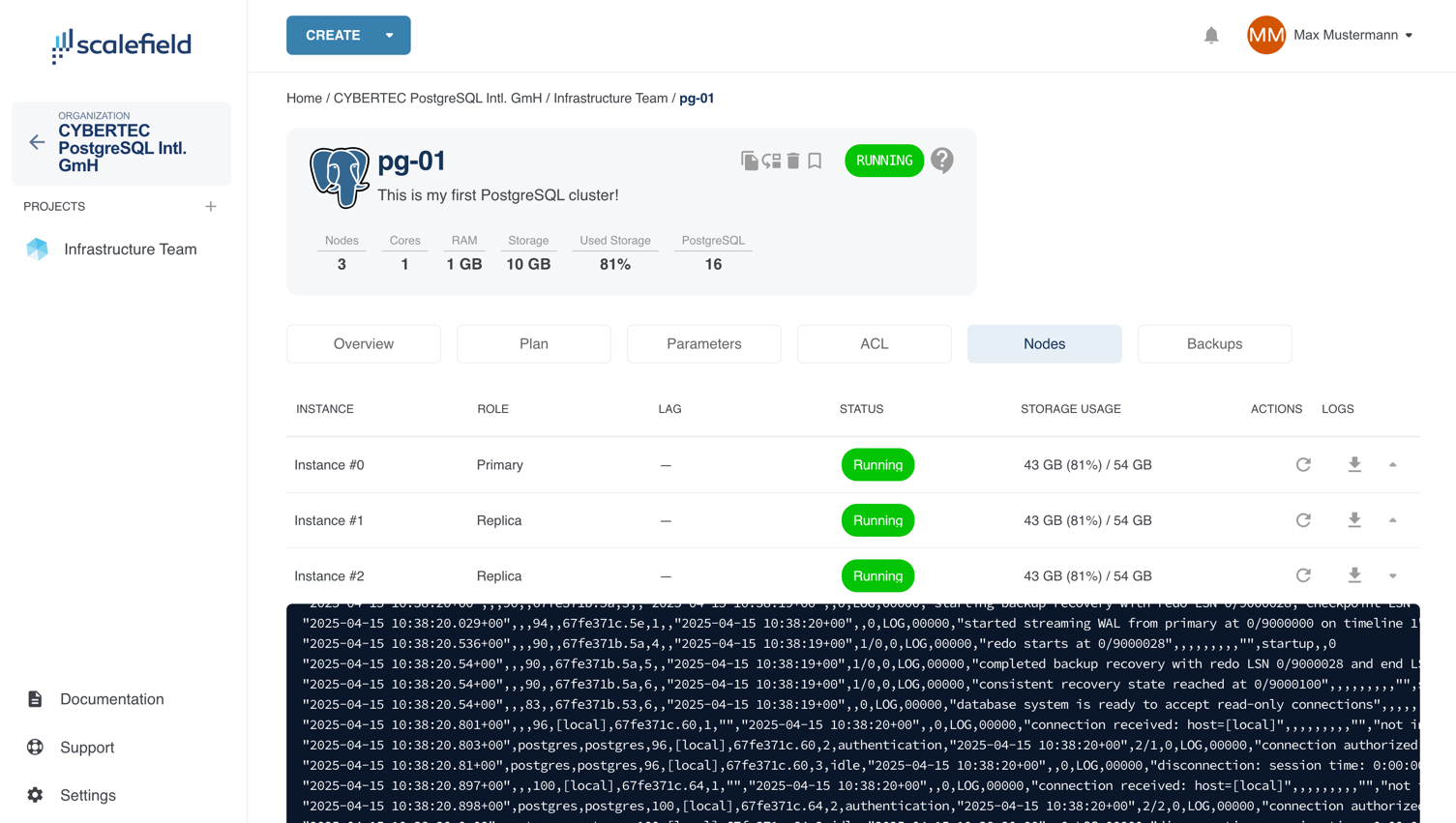
For each node, you can:
- View logs by expanding the row (click the row or the arrow on the right).
- Download logs (you will be prompted to select the time range for the logs).
- Restart a node.
ImportantRestarting a node will immediately terminate all active connections to it.